
HEIC to JPG Converter
HEIC to JPG Converter easily converts HEIC images to JPG, making them compatible with devices, websites, and apps for easy viewing and sharing.
Written by SamundraLast updated
Drag and drop files here
Supports .heic and .heif — multiple files at once
Your files are never uploaded anywhere — conversion happens entirely on your device.
No files yet
Add files above to start converting.

Introduction
The HEIC to JPG Converter easily converts HEIC images into JPG format, making them accessible on almost all platforms. HEIC files store high-quality images while using less storage space. However, they are not supported by many websites, applications, and older devices. Converting HEIC to JPG makes your images compatible and easier to view, edit, and share.
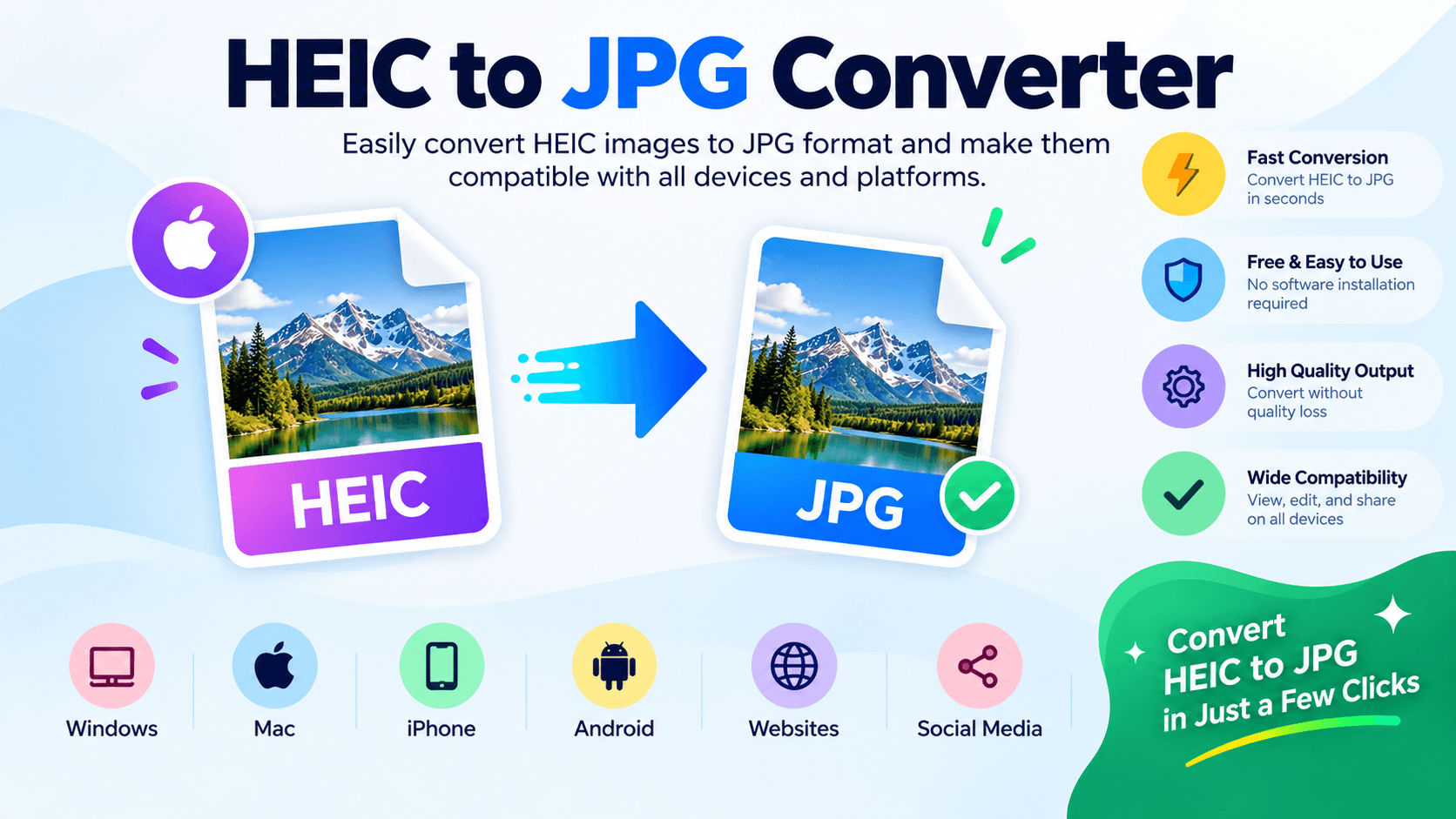
The main advantage of a HEIC to JPG Converter is that it enhances compatibility. This converter is very simple and user-friendly, which makes it easy for both beginners and professionals to use. It can easily convert multiple HEIC files at once, which saves time and makes digital images accessible for everyone, including designers, students, and businesses. This is highly effective in today’s digital world.
Privacy and security
This converter can convert multiple files at the same time while also maintaining security and privacy, which makes it very easy for users to trust it. It also provides good security for users’ data. After detecting the user’s files, it automatically provides security that does not allow unauthorized users to access them, making it easier to gain users’ trust.
After converting to JPG, it can be easily used on any platform because it supports all platforms. Not only that, it also keeps the image quality the same and does not compromise the quality in any way. These images are supported on all devices. These JPG images can be edited, shared, stored, and viewed on any device. This makes it much easier for users to maintain their data and improves their confidence.
Supported Files, Limits & Output
Useful Tooler's HEIC to JPG Converter supports HEIC and HEIF image files, making it easy to convert images captured on iPhones, iPads, and other compatible devices into the widely supported JPG format.
Supported Input Formats
HEIC (.heic)
HEIF (.heif)
You can select a supported image from your computer, laptop, tablet, or smartphone and convert it using the tool.
The file size, image quality, resolution, and other properties may vary depending on the device, camera, and software used to create the original HEIC or HEIF image.
Output Format
After conversion, you can save the converted image in JPG format.
JPG (.jpg)
JPEG (.jpeg)
The output image maintains the visible quality and appearance of the original image as much as possible while converting it into a more widely compatible format.
Not what you looking for ? Try WebP-to-PNG
How to use
Upload the Files
First, upload the files you want to convert. The files must be in .HEIC format to be successfully uploaded to the converter.
Convert Files into JPG
After uploading the files, the .HEIC files are converted into JPG format. The conversion process is simple and quick.
Download JPG Files
Once the files have been converted into JPG format, you can easily download and store the converted JPG files on your device.
Supported formats & limits
Supported input formats: .heic, .heif
Output format: .jpg
File size and upload limits: Up to 50 files at once.
Privacy & file processing
Files never leave your device.
Frequently asked questions
Is the HEIC to JPG Converter free?
Yes, this tool is completely free and supports all devices. It is also very easy to use.
Do I need to register to use the tool?
No, you do not need to register to use this tool. You can easily use it without registration on any device.
Does it support multiple files at once?
Yes, it supports multiple files at the same time, making the conversion process easy and providing fast results for users.
How can I convert a file?
First, upload the file, and the file must be in HEIC format. Then, it can be easily converted into JPG format. After conversion, you can download, share, and store the JPG file.
Is the converter secure?
5. Is the converter secure? Yes, this converter is very secure. It properly maintains user privacy and protects files from unauthorized access.
Last updated:
Share this tool
Know someone who'd find it useful? Send it their way.